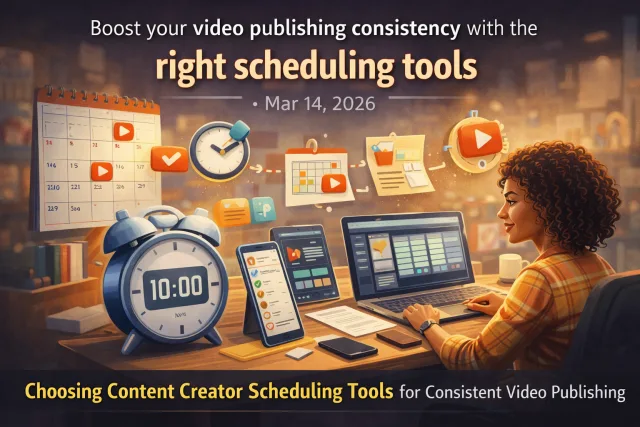
Why Publishing Consistency Is Often the Bottleneck
For many content creators and small teams, producing video content isn’t the problem — it’s publishing consistently. Without a reliable schedule, videos pile up, audience engagement drops, and growth stalls. Scheduling tools can help, but picking the right one depends on your unique workflow.
Define Your Publishing Workflow First
Before choosing a scheduling tool, clarify your publishing workflow. Ask yourself:
- How many videos do you publish weekly or monthly?
- Which platforms do you target (YouTube, TikTok, Instagram, etc.)?
- Do you publish long-form videos, Shorts, or both?
- Who manages publishing – just you or a team?
Evaluate Scheduling Tools by Key Features
Look for tools that offer multi-platform scheduling, video-first workflows, content calendars, collaborative features, and analytics integration.
VidShare offers many of these features, enabling creators to upload videos once and schedule posting across platforms efficiently. But other schedulers may specialize more in certain platforms or workflows.
Consider Integration and Automation
The more your scheduling tool integrates with your content creation and hosting platforms, the smoother your workflow.
Automation features like automatic posting or reminders reduce manual work and help keep you consistent. Some tools even support cross-posting, such as sharing YouTube Shorts directly to TikTok, which saves time and keeps your content fresh across audiences.
For example, if you use VidShare, you can leverage built-in scheduling capabilities that tie directly into your video library.
Assess Usability and Support
A tool’s ease of use impacts how often you’ll stick with it. Look for intuitive interfaces and clear scheduling flows.
Consider support options like tutorials, community forums, and responsive customer service.
Try free trials when available to test how the tool fits your process. A tool that feels like a hassle will become a bottleneck itself.
Weigh Pricing vs. Value
Pricing models vary — monthly subscriptions, per-post charges, or tiered plans based on features and team size.
Match the cost with the value you get:
- Does it save you enough time?
- Does it help you publish more consistently?
- Does it integrate well with your existing tools?
Investing in the right scheduling tool can pay off by improving publishing regularity and audience engagement.
Examples of Scheduling Setups
Solo creator focused on YouTube: Use a YouTube Scheduler with a content calendar and automated posting.
Small team posting across platforms: Use VidShare to upload video once, then schedule posts for YouTube, Instagram, TikTok, and more.
Creators focusing on Shorts: Combine a Shorts scheduler with cross-posting tools to TikTok for broader reach.
Final Tips
Start with your biggest bottleneck – if publishing consistency lags, pick a tool that simplifies scheduling over one with complex analytics.
Keep your workflow flexible; you can upgrade tools as your channel grows.
Use internal resources to learn more, such as VidShare’s YouTube Scheduler guide or how to Upload Video Once, Post Everywhere.






