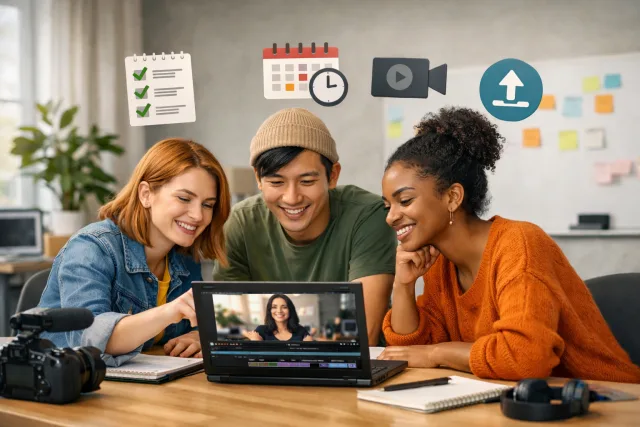
Why a Creator Posting Workflow Matters
Consistency in publishing videos is one of the biggest challenges small creator teams face. Without a clear process, important steps get missed, which can lead to lower reach, poor viewer experience, or even platform penalties. A creator posting workflow is a repeatable process that ensures every video is ready to go live without last-minute chaos.
When you build a checklist around this workflow, you create a safety net. It helps your team verify key elements before scheduling any video, so you can publish with confidence and maintain a steady stream of content.
Pre-Upload Checklist: Preparing Your Video
Before you even start uploading, there are several things you want to confirm:
Taking care of these details upfront saves time and prevents last-minute fixes that can delay scheduling.
Upload and Scheduling Steps
Once your video is ready, follow these steps before scheduling:
For YouTube creators, tools like VidShare’s YouTube Scheduler simplify these steps, letting you plan and queue videos in advance without juggling multiple platforms.
Post-Scheduling Verification
After you schedule, it’s essential to double-check:
For teams posting short-form content, VidShare’s guidance on Cross Post YouTube Shorts to TikTok helps you build a reliable system that saves manual effort.
Tradeoffs and Realistic Tips
Not every step in a checklist will be perfect every time, especially for small teams with limited resources. Here’s how to balance thoroughness and efficiency:
Remember, a checklist is a guide, not a strict rulebook. The goal is to reduce errors and increase consistency, not slow down your creative momentum.
Integrating VidShare Into Your Workflow
VidShare is designed to fit naturally into creator posting workflows. By centralizing your video uploads and scheduling across platforms, it reduces friction and keeps your team aligned.
Using VidShare can help enforce your checklist steps by providing reminders and a unified dashboard to track video status from upload through scheduling to publication. This helps small teams maintain discipline and consistency without adding overhead.
How this connects to VidShare
VidShare can help small teams manage their creator posting workflow by centralizing video uploads and scheduling tasks, making it easier to follow checklists like this without missing steps. For example, using VidShare’s YouTube Scheduler and cross-posting features can keep your workflow smooth and consistent. Useful next reads are YouTube Scheduler and Cross Post YouTube Shorts to TikTok.






