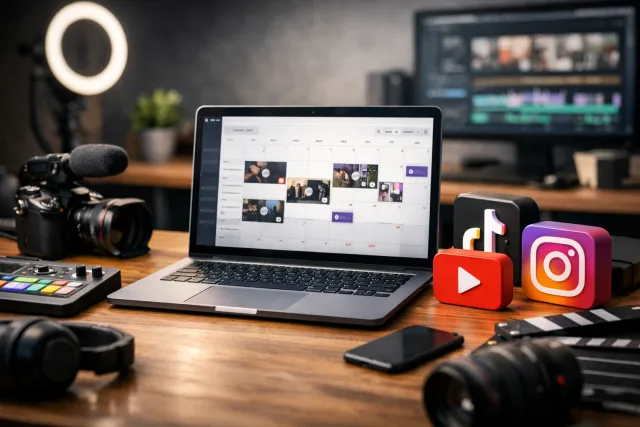
Why Video-First Creators Need Specialized Scheduling Tools
Scheduling video content is more complex than scheduling text or images. Videos have file size limits, format requirements, and platform-specific metadata like titles, descriptions, and hashtags that affect discovery and engagement. For creators focused on video, especially those publishing across multiple social platforms, a generic social media scheduler often falls short.
A scheduler built with video workflows in mind helps you avoid common pitfalls like reformatting videos multiple times or manually reposting content. It can also save time by allowing bulk uploads, previewing video posts, and managing platform-specific details in one place.
Key Features to Evaluate in a Social Media Scheduler for Video
Each feature reduces friction in your publishing workflow, letting you focus more on creating and less on managing uploads.
Tradeoffs and Workflow Considerations
No scheduler is perfect, so consider your priorities and tradeoffs:
For example, you might prioritize a scheduler that excels at YouTube Shorts if that’s your main growth channel. Alternatively, if you post across multiple platforms daily, a tool that centralizes uploads and scheduling saves significant time.
Practical Steps to Choose the Right Scheduler
- Audit your current workflow: Identify pain points like manual reposting, format conversions, or missed posting windows.
- List must-have features based on your content and audience platforms.
- Test schedulers with free trials or demos focusing on video upload and scheduling ease.
- Evaluate how each tool manages platform-specific settings like captions or thumbnails.
- Consider integrations with your editing or asset management tools.
- Check support and community resources for troubleshooting and learning.
Taking these steps helps avoid costly missteps and ensures your chosen scheduler fits your real-world needs.
Example: Streamlining YouTube Shorts Scheduling
YouTube Shorts are a key growth driver but have unique requirements such as vertical format and short duration. Scheduling them efficiently requires a tool that:
Tools that enable you to "Upload Video Once, Post Everywhere" save time and maintain content consistency. For detailed strategies on this workflow, see our guide on Upload Video Once, Post Everywhere.
How this connects to VidShare
VidShare offers a video-first social media scheduler designed to streamline publishing across platforms, making it easier to maintain a consistent video workflow. Learn more about its features on our Video Social Media Scheduler page. Useful next reads are Upload Video Once, Post Everywhere and Video Social Media Scheduler.






