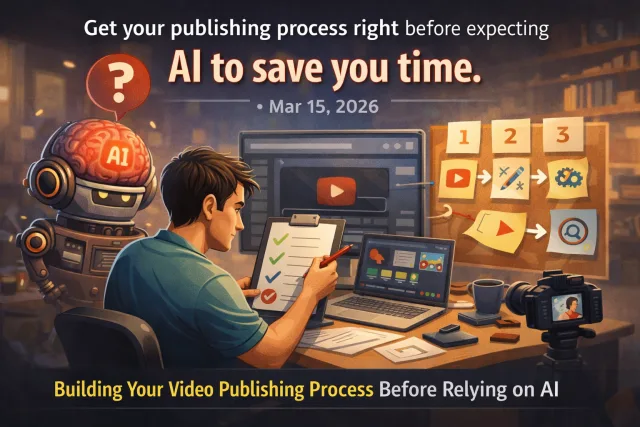
Why Having a Solid Video Publishing Process Matters Before AI
AI tools promise to save time by automating parts of video publishing, but without a reliable process, they can actually add confusion and errors. A clear, repeatable workflow is the foundation that lets AI tools work effectively.
When creators skip process design, they often run into issues like inconsistent posting, missed deadlines, or poor video metadata. These problems can’t be fixed by automation alone because AI needs predictable inputs to function well.
Key Steps to Build Your Video Publishing Workflow
Start by mapping out every step from content creation to publishing and promotion. This gives you a clear picture of what can be automated and what needs human attention.
Tradeoffs to Consider When Designing Your Process
Every workflow decision involves tradeoffs. For example, a rigid process improves consistency but can limit flexibility for trending content. A looser schedule allows spontaneity but risks missed posts.
Similarly, handling all uploads manually gives control but consumes time. Using bulk upload or scheduling tools saves time but requires upfront setup and learning.
Understand your priorities and constraints to tailor a process that fits your situation, rather than blindly adopting one-size-fits-all advice.
Where AI Fits In After Your Process is Set
Once your workflow is solid, AI tools can help with tasks like:
- Automated video tagging and metadata generation
- Captioning and subtitle creation
- Thumbnail suggestions
- Scheduling posts at optimal times
These features work best when your inputs are consistent and your publishing steps are clear. AI won’t fix a broken process but can speed up a well-oiled machine.
Example: Using VidShare to Support Your Publishing Process
VidShare offers tools that align with process-first creators. Its Upload Video Once, Post Everywhere feature lets you distribute content across platforms without juggling multiple uploads. This fits neatly into a standardized metadata and scheduling system.
By integrating VidShare with your content calendar and metadata standards, you reduce repetitive tasks and minimize errors. This way, you can focus your time on content quality and strategic promotion.
How this connects to VidShare
VidShare helps creators implement a consistent video publishing process by centralizing scheduling and cross-posting. For example, using VidShare’s Upload Video Once, Post Everywhere feature can streamline your workflow without adding complexity. Learn more about it [here](/upload-video-once-post-everywhere). Useful next reads are YouTube Scheduler and Cross Post YouTube Shorts to TikTok.






