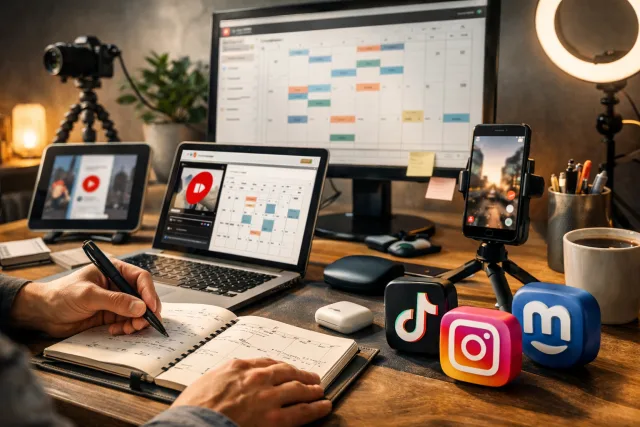
Understanding the Landscape of Short-Form Video Scheduling
YouTube Shorts have become a major content format, alongside TikTok, Instagram Reels, and others. Each platform has unique audience behaviors and technical requirements, so your scheduling workflow needs to balance consistency with platform-specific optimizations.
Scheduling is about more than just picking a time to post. It involves planning content types that perform well on each platform, optimizing upload times based on audience engagement, managing drafts and final edits efficiently, and coordinating cross-posting to maximize reach without duplicating effort.
For example, YouTube Shorts can benefit from frequent posting to tap into the platform’s recommendation system, while LinkedIn might require a more professional angle and less volume.
Building a Repeatable YouTube Shorts Scheduling Workflow
Start by creating a content calendar that includes your Shorts alongside other video content. Structure it around your capacity and audience analytics, aiming for consistency over volume.
Key steps include batching recording, bulk editing, using scheduling tools that support Shorts formats, and staggering posting times to avoid cannibalizing your own audience.
Tracking performance metrics post-publishing will inform future scheduling choices. Pay attention to view velocity, watch time, and engagement specific to Shorts.
Cross-Posting and Federated Platforms: Extending Reach Without Extra Work
Cross-posting YouTube Shorts to platforms like TikTok or Instagram Reels can multiply your audience but also adds complexity.
Consider formatting differences, captioning and hashtag tailoring, and timing strategies to maximize effectiveness.
Federated platforms like Mastodon and Bluesky offer an alternative distribution channel that values authenticity and community. Posting your Shorts or clips there can build a loyal audience less reliant on algorithmic feeds.
Tools and Integrations for Efficient Scheduling
Managing Shorts across multiple platforms requires tools that handle different video formats and scheduling APIs.
Look for features like support for Shorts metadata, ability to schedule posts across platforms, and centralized draft management.
VidShare unifies these workflows, allowing creators to upload once, optimize metadata per platform, and schedule posts across YouTube Shorts and other destinations, reducing manual work.
Practical Tips for Consistency and Quality
Prioritize quality over quantity; Shorts are quick to watch, but poor content won’t retain viewers.
Use analytics to adjust posting times and frequency based on data.
Keep branding consistent across videos.
Leverage playlists on YouTube to group Shorts by theme for discovery.
Plan for evergreen content by reusing or updating successful Shorts to maintain your schedule without constant new filming.
How this connects to VidShare
For creators and teams looking to streamline their multi-platform short-form video publishing, VidShare offers integrated scheduling capabilities that support YouTube Shorts alongside other platforms. Its unified workflow helps keep your content organized and consistent—learn more about VidShare’s YouTube Scheduler to fit scheduling into your broader strategy. Useful next reads are YouTube Scheduler and Cross Post YouTube Shorts to TikTok.






