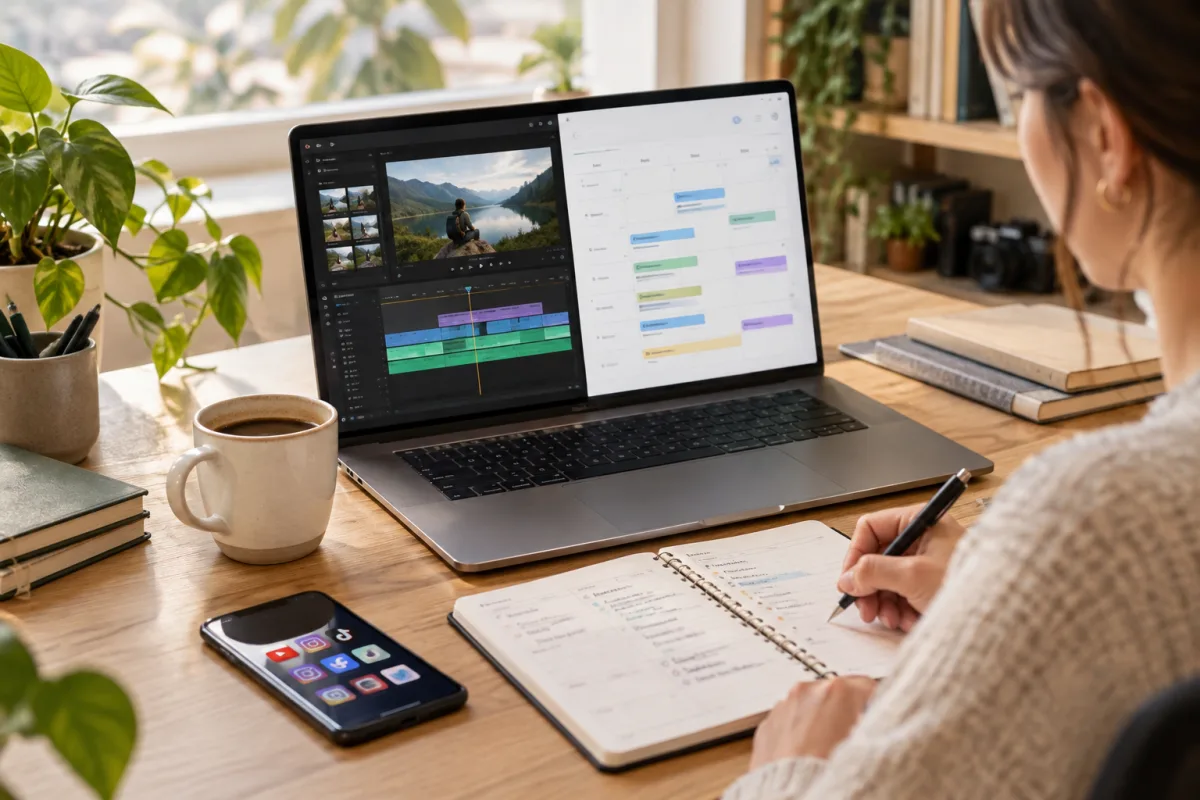
Why Consistent Scheduling Matters on YouTube
Consistency is one of the most talked-about factors in growing and maintaining a YouTube channel. The platform rewards regular uploads because they keep viewers engaged and signal to the algorithm that your channel is active. But consistency doesn’t mean rushing out content or burning yourself out. Instead, it means creating a repeatable schedule you can realistically maintain week after week.
Many creators struggle with balancing content creation with other responsibilities. Without a clear workflow, scheduling videos can become a source of stress rather than productivity. This article focuses on a practical, manageable approach to YouTube scheduling that fits into a typical creator’s busy week.
Start with Realistic Frequency and Time Blocks
Before diving into tools or automation, decide how many videos you can confidently produce and schedule each week. For many creators, a realistic target might be one to three videos per week, depending on format and length.
Once you have your cadence, block out dedicated time slots for each part of the workflow: planning, filming, editing, and scheduling. Treat these blocks as appointments to protect your creative time and avoid last-minute scrambles.
Key steps include choosing upload days and times based on audience activity, allocating time windows for batch recording or editing, and scheduling buffer days for unexpected delays or last-minute tweaks.
Batch Produce Content to Reduce Weekly Pressure
Batching is a powerful technique to smooth out workload peaks. Instead of creating one video per day, dedicate a few hours or a day to record multiple videos back-to-back. This approach reduces setup overhead and helps keep your creative flow steady.
Editing can also be batched. For example, you might spend one day editing the week’s content and another day scheduling it. Batching tasks frees up other days for brainstorming or engaging with your audience.
Batching requires upfront planning and a clear content calendar but pays off by reducing weekly scheduling stress.
Use a Centralized YouTube Scheduler to Streamline Posting
Once your videos are edited and ready, use YouTube’s built-in scheduler or third-party tools to queue uploads in advance. Scheduling videos ahead of time ensures they go live exactly when planned, even if you’re busy.
Third-party schedulers can provide additional benefits like bulk uploads, thumbnail management, and integration with other social platforms. They help you maintain control without juggling multiple tabs or manual uploads.
VidSyndicate supports scheduling to YouTube alongside other platforms like Facebook, Instagram, TikTok, LinkedIn, Pinterest, Mastodon, and Bluesky. This centralized approach saves time and keeps your content consistent across networks.
Optimize Titles, Descriptions, and Thumbnails Ahead of Time
Scheduling isn’t just about timing — it’s also about quality. Prepare your video metadata well in advance to avoid last-minute fixes that can delay publishing.
Create compelling titles with relevant keywords, write concise descriptions linking to your social profiles or related videos, and design eye-catching thumbnails. These elements significantly impact click-through rates and viewer engagement.
Organize your metadata in a spreadsheet or content calendar. This preparation allows you to copy-paste quickly during scheduling and maintain consistency across videos.
Cross-Post Strategically to Expand Reach Without Extra Burnout
YouTube creators often want to reach audiences on TikTok, Instagram, or federated networks like Mastodon and Bluesky. Cross-posting short clips or teaser videos is an efficient way to repurpose content without creating entirely new videos.
However, each platform has different formats, audience expectations, and distribution algorithms. Avoid simply reposting the same video everywhere without adjustments. Instead, tailor your clips, captions, and hashtags to fit each network.
VidSyndicate can help automate and schedule these cross-posts from your YouTube uploads, letting you manage multiple platforms from one place without losing editorial control.
Monitor Performance and Adjust Your Workflow
Building a workflow isn’t a set-it-and-forget-it task. Use YouTube Analytics and social media insights to track your videos’ performance. Look at watch time, engagement, and audience retention to understand what works.
If certain days or times perform better, adjust your scheduling accordingly. If batch production feels overwhelming, switch to a smaller batch size or spread tasks out differently.
Regular reviews help you refine your workflow for better efficiency and growth.
Avoid Common Scheduling Pitfalls
Several common mistakes can derail your YouTube scheduling efforts: overcommitting to an unrealistic upload frequency, not allowing buffer time for edits or delays, ignoring platform differences when cross-posting, and relying only on manual uploads.
By recognizing these pitfalls early, you can design a workflow that is sustainable and adaptable.
Integrate Your YouTube Scheduler with Multi-Platform Publishing
For creators managing multiple social channels, a unified scheduler simplifies the process. VidSyndicate’s platform supports scheduling videos to YouTube alongside Facebook, Instagram, TikTok, LinkedIn, Pinterest, and federation-friendly platforms like Mastodon and Bluesky.
This integration means you can upload a video once and distribute it across platforms with tailored metadata and scheduling times. It reduces repetitive work and helps maintain a consistent publishing cadence.
If you want to deepen your multi-platform strategy, check out VidSyndicate’s [YouTube Scheduler](/youtube-scheduler) guide for detailed tips on managing your video publishing workflow effectively.
Leverage Playlists and Series to Boost Viewer Retention
Playlists and video series are effective tools to keep viewers watching more of your content, which signals strong engagement to YouTube’s algorithm. Instead of uploading standalone videos, consider grouping related videos into themed playlists or ongoing series. This encourages binge-watching and increases total watch time on your channel, a critical ranking factor.
When planning your batch content, outline potential series or playlist themes that naturally connect your videos. For example, a cooking channel might create a "Quick Weeknight Dinners" playlist or a tech reviewer might run a "Best Budget Gadgets" series. This planning helps you maintain content consistency and gives viewers a clear reason to subscribe and return.
In your YouTube scheduler workflow, make sure to assign each video to its relevant playlist before scheduling the publish time. This can be done directly in YouTube Studio or through third-party tools that support playlist management. Automating this step reduces manual work and ensures your videos are organized from day one, improving discoverability.
Finally, promote your playlists through your video descriptions, end screens, and community posts. Highlighting playlists helps funnel viewers through your content library, increasing session time and channel authority. Over time, a well-curated playlist strategy complements your upload schedule by creating a cohesive viewing experience that supports growth.
Automate Routine Tasks to Save Time and Reduce Errors
Automation is a key way to streamline your YouTube scheduling workflow without sacrificing control or quality. Routine tasks like adding end screens, cards, or default video tags can be time-consuming when done manually but are often supported by scheduling tools or YouTube’s own features to automate or standardize them across videos. This saves time and ensures consistency.
For example, you can create templates for video descriptions that include links to your social media, calls to action, or disclaimers. When scheduling, simply insert the template and customize the unique parts like video title or specific hashtags. Similarly, thumbnail templates with consistent branding can be prepared in advance and reused with minor tweaks.
Third-party schedulers like VidSyndicate often integrate these automation features, allowing you to define default settings applied to all scheduled videos. This reduces repetitive tasks and the risk of forgetting important elements. It also frees up mental bandwidth so you can focus on content creation and audience engagement rather than administrative details.
Be cautious not to over-automate to the point where your content feels generic or robotic. Automation should serve as a support system while you maintain creative control and personalization. The goal is to reduce busywork, not eliminate thoughtful touches that make your videos unique and appealing to your audience. Strike a balance that fits your workflow and channel style.
Incorporate Community Engagement into Your Scheduling Workflow
Publishing videos consistently is important, but equally critical is engaging with your audience to build a loyal community. Integrating community interaction into your scheduling workflow helps create a feedback loop that informs your content strategy and strengthens viewer relationships over time. Plan dedicated time slots for responding to comments, questions, and messages shortly after each video goes live.
Set reminders in your calendar or within your scheduling tool to check comments and social media mentions on the days following a video release. Early engagement signals to YouTube that your content is generating interaction, which can boost visibility. It also shows your audience you value their input and encourages more participation in future videos.
Consider using VidSyndicate’s multi-platform capabilities to monitor engagement across YouTube and your other social channels from one dashboard. This centralized approach saves time and helps you respond promptly without toggling between multiple apps or accounts. You can also schedule posts to community tabs or federated platforms like Mastodon to keep your audience updated and involved beyond video uploads.
Finally, leverage audience feedback collected during engagement to refine your content calendar and scheduling priorities. Pay attention to recurring questions or popular topics and plan batch production around those themes. This dynamic approach aligns your workflow with audience interests, increasing the chances your scheduled videos will resonate and perform well.
Master Video SEO to Enhance Discoverability
Optimizing your videos for search is essential to increase visibility and attract new viewers organically. YouTube is the second largest search engine globally, and understanding how to leverage video SEO can make a significant difference in how often your videos are found. This begins with thorough keyword research related to your video topic, using tools like YouTube’s autocomplete, Google Trends, or dedicated keyword research platforms tailored for video content.
Once you identify relevant keywords, incorporate them naturally into your video title, description, and tags. Avoid keyword stuffing, which can feel unnatural and reduce viewer trust. Instead, focus on crafting clear, descriptive titles that include your primary keyword while remaining engaging. Your description should expand on the video’s content, including secondary keywords and relevant links, while providing context to both viewers and YouTube’s algorithm.
Another important SEO factor is closed captions and transcripts. Adding subtitles not only improves accessibility but also allows YouTube to better understand your video content, improving its chances of ranking for relevant searches. You can upload transcripts or use YouTube’s automatic captioning and then review for accuracy before scheduling your video.
Finally, encourage engagement through calls to action within your videos and descriptions. Likes, comments, and shares signal to YouTube that your content is valuable and relevant, boosting its search ranking. Integrate SEO optimization into your scheduling workflow by preparing metadata in advance and revisiting it periodically based on performance analytics to refine your approach and maximize discoverability.
Plan for Evergreen and Timely Content Balance
A balanced content strategy includes both evergreen videos and timely content to maintain audience interest and channel growth. Evergreen videos are those with lasting relevance that continue to attract views long after publishing, such as tutorials, how-tos, or foundational topics in your niche. Timely content, on the other hand, capitalizes on current trends, events, or seasonal interests to generate spikes in viewership and engagement.
In your scheduling workflow, allocate specific time blocks for creating evergreen content that can be batched and scheduled well in advance. This ensures a steady stream of consistent content regardless of external factors or your daily workload. Evergreen videos also help build a reliable content library that supports new subscribers and generates steady ad revenue over time.
Conversely, leave room in your schedule to produce and publish timely content quickly. This requires flexibility in your workflow to respond to trends or breaking news relevant to your audience. Use tools like Google Alerts, social listening platforms, or even subscriber feedback to identify opportunities for fast turnaround videos that keep your channel fresh and topical.
Balancing these content types helps stabilize your channel’s growth and engagement. Evergreen videos provide foundational value and discoverability, while timely videos offer bursts of high engagement and relevance. Incorporate this balance into your content calendar and scheduling system to maintain both consistency and adaptability. VidSyndicate’s multi-platform scheduling can assist in coordinating these diverse content types across your distribution channels efficiently.
Utilize Analytics to Identify Optimal Upload Times
Choosing the right time to publish your videos can significantly influence initial viewer engagement and long-term performance. While general advice suggests uploading during peak hours, your channel’s unique audience behavior should guide your scheduling decisions. YouTube Analytics offers detailed data on when your viewers are online and most active, which is invaluable for timing your uploads strategically.
Within YouTube Studio, navigate to the Audience tab to find the 'When your viewers are on YouTube' report. This visualization shows peak hours and days, allowing you to select upload times that align with your audience’s habits. Scheduling videos to go live during these windows maximizes the chance of immediate views and engagement, which YouTube’s algorithm favors.
Beyond initial publishing, monitor patterns in video performance related to different upload times over several weeks. Look for trends in watch time, click-through rates, and retention to validate or adjust your schedule. If you notice certain days or times consistently outperform others, update your scheduling blocks to leverage these insights for future batches.
Incorporating this data-driven approach into your YouTube scheduler workflow reinforces your content strategy with empirical evidence. Tools like VidSyndicate can integrate with analytics platforms or provide scheduling recommendations based on performance data, helping you automate and optimize upload timing without manual guesswork. This ensures your content hits your audience when they’re most receptive, improving overall channel growth.
How this connects to VidSyndicate
For creators aiming to simplify their YouTube scheduling and cross-posting to platforms like TikTok or Mastodon, VidSyndicate offers an integrated workflow that keeps your content distribution organized and efficient. Explore how VidSyndicate can fit into your video publishing routine at our YouTube Scheduler guide. Useful next reads are YouTube Scheduler and Cross Post YouTube Shorts to TikTok.