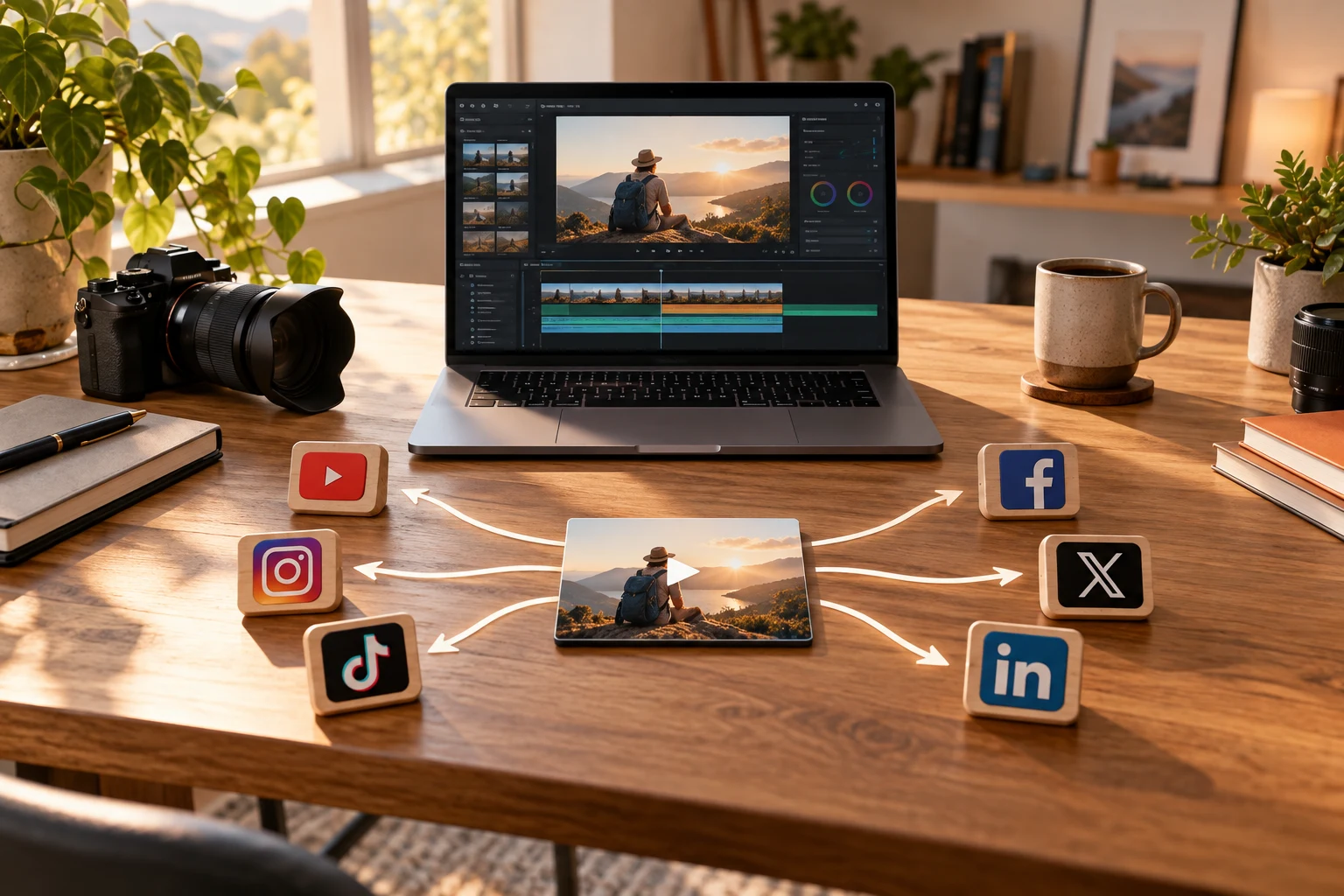
Why B2B Creators Need a Better LinkedIn Video Scheduling Workflow
LinkedIn is a primary platform for B2B creators looking to build professional authority and engage industry peers. Video content stands out on LinkedIn, driving higher engagement than text or images alone. However, scheduling LinkedIn videos often turns into a manual, time-consuming process, especially when trying to maintain consistency.
Manual posting can lead to missed opportunities, inconsistent timing, and burnout. B2B creators require workflows that balance automation with the ability to customize messaging for their audience.
Understanding LinkedIn's Native Scheduling Limitations
LinkedIn's native scheduling tools are limited, especially for video posts. Unlike platforms such as Facebook or YouTube, LinkedIn does not offer robust built-in video scheduling options for all users.
This limitation forces creators to rely on manual uploads and third-party tools with varying levels of reliability.
Understanding these constraints helps set realistic expectations and encourages exploring complementary solutions.
Exploring Third-Party LinkedIn Video Scheduling Tools
Several scheduling tools support LinkedIn video publishing, including Buffer, Hootsuite, and Sprout Social. They allow video uploads, scheduling, and some level of post customization.
However, key tradeoffs include platform API restrictions limiting scheduling features, potential delays in video processing, and costs associated with premium plans.
Selecting a tool depends on your workflow needs, budget, and whether you require multi-platform scheduling.
Building a Repeatable LinkedIn Video Scheduling Workflow
Consistency is key in B2B video marketing. A repeatable workflow reduces friction and errors.
Steps to build one include planning content themes in batches, pre-creating videos, using scheduling software that supports LinkedIn video posts, customizing captions for the platform’s professional tone, and setting reminders for engagement after posting.
This workflow balances automation with necessary human touch to maintain authenticity and responsiveness.
Integrating LinkedIn Video Scheduling into a Multi-Platform Strategy
Many B2B creators also publish on Facebook, Instagram, YouTube, and emerging federated platforms like Mastodon and Bluesky.
Integrating LinkedIn video scheduling into a broader strategy maximizes content reach, builds diverse audience bases, and leverages platform-specific strengths.
Cross-posting requires adjustments for format, length, and messaging tone; centralized tools supporting multiple destinations can streamline this process.
Advantages and Tradeoffs of Federation-Friendly Platforms for B2B Video
Federation-friendly platforms like Mastodon and Bluesky offer decentralized social networking with growing professional communities.
Advantages include greater control over content distribution, access to niche audiences, and reduced platform algorithm constraints.
Tradeoffs include smaller audiences compared to LinkedIn and less mature video support features. Incorporating these platforms can future-proof your strategy and diversify reach.
Monitoring and Optimizing Your LinkedIn Video Performance
Scheduling videos is only part of the process; monitoring performance is crucial to improve engagement.
Key metrics include views, watch time, likes, comments, shares, and click-throughs to your website or links.
Use insights to refine posting times, video length, and content themes. Some scheduling tools offer integrated analytics for easier tracking.
How VidSyndicate Supports Efficient LinkedIn Video Scheduling
VidSyndicate offers a video-first publishing workflow that supports LinkedIn alongside Facebook, Instagram, TikTok, Pinterest, YouTube, and federation-friendly platforms like Mastodon and Bluesky.
By uploading your video once, you can schedule posts across multiple platforms, customizing captions and formats where needed, reducing manual repetition while maintaining control.
VidSyndicate also helps manage video metadata and scheduling calendars in one interface, making LinkedIn video publishing less of a manual chore. Check out our Upload Video Once, Post Everywhere guide for more details.
Leveraging LinkedIn Video Analytics for Strategic Content Planning
LinkedIn provides a range of video analytics that B2B creators can use to understand how their content performs and resonates with their target audience. These analytics go beyond simple view counts, offering insights into viewer demographics, engagement patterns, and retention rates. By regularly reviewing these metrics, creators can identify which video topics and formats generate the most interest among their professional network.
One of the key metrics to focus on is audience retention, which shows how much of your video viewers watch before dropping off. High drop-off rates early in the video suggest that your content might not be engaging enough or that the introduction needs tightening. Conversely, strong retention signals that your video holds attention effectively, which is crucial on LinkedIn where professionals often scroll quickly.
Engagement metrics such as likes, comments, and shares reveal how your audience interacts with your videos. Comments, in particular, provide qualitative feedback and can highlight questions or topics your viewers want to explore further. Monitoring these interactions allows you to tailor future content more precisely to your audience’s interests and pain points.
Incorporating these analytics into your content planning process can transform your LinkedIn video strategy from guesswork into data-driven decision-making. Schedule regular reviews of your video performance data and use the insights to adjust your content themes, video length, posting times, and calls to action. This ongoing optimization ensures your videos continue to deliver value and maintain audience engagement over time.
Customizing LinkedIn Video Content for Maximum Professional Impact
While repurposing videos across platforms saves time, B2B creators should customize LinkedIn video content to fit the platform’s unique professional context. LinkedIn audiences expect content that is both informative and relevant to their industry or career development. Tailoring your messaging accordingly can significantly increase your video’s impact and engagement.
Start by refining your video captions and descriptions to include industry-specific keywords and jargon that resonate with your target audience. This improves discoverability within LinkedIn’s search and recommendation algorithms and signals relevance to viewers skimming their feed. Avoid generic or overly promotional language; instead, focus on insights, tips, or thought leadership that offer tangible value.
Consider the video format and style as well. LinkedIn favors videos that are concise, polished, and clearly convey a professional tone. Use subtitles or captions since many users watch videos without sound, especially during work hours. Incorporate branded elements subtly to reinforce your identity without distracting from the content’s message or authenticity.
Finally, adapt your calls to action to encourage meaningful professional interactions. Instead of generic prompts like “watch now,” invite viewers to comment with their experiences, share the video with colleagues, or connect with you for deeper discussions. These tailored CTAs foster a community around your content and help build your professional network organically.
Scheduling LinkedIn Videos for Optimal Timing and Frequency
Understanding when your audience is most active on LinkedIn can dramatically improve the reach and engagement of your video posts. Unlike consumer-focused platforms that peak during evenings and weekends, LinkedIn activity tends to align with typical business hours and weekdays, reflecting its professional user base. Scheduling your videos during these peak windows ensures they appear when your network is most likely to engage.
Research suggests that midweek days, particularly Tuesday through Thursday, generally yield higher engagement rates for LinkedIn video posts. Early mornings between 7 am and 9 am, lunchtime hours around noon, and late afternoons from 5 pm to 6 pm are often cited as optimal posting times. However, these can vary based on your specific audience’s time zones and work habits, so testing and analysis are essential.
Frequency also matters; posting too often can overwhelm your audience or appear spammy, while posting too infrequently risks losing momentum and visibility. For most B2B creators, a cadence of one to three LinkedIn video posts per week strikes a good balance between maintaining presence and preserving content quality. Consistency helps build audience expectations and trust over time.
To manage timing and frequency effectively, use your scheduling tools to plan posts in advance, aligning them with your content calendar and strategic goals. Leverage VidSyndicate’s scheduling features to automate posting during these optimal windows, freeing you from manual timing adjustments and allowing you to focus on content creation and engagement.
Leveraging LinkedIn Video Stories to Enhance Engagement
LinkedIn Stories provide a unique opportunity for B2B creators to share short, timely video content that complements their main posts. While Stories are ephemeral, disappearing after 24 hours, they can be powerful tools to boost engagement and maintain visibility between regular video posts. Scheduling Stories alongside your main video content can keep your audience connected with your brand in a more casual, approachable way.
Creating LinkedIn Stories requires a different approach than longer-form videos. The content should be succinct, visually engaging, and focused on quick updates, behind-the-scenes glimpses, or interactive questions. Since Stories are viewed vertically and are often consumed on mobile devices, optimizing your video format and captions for this medium is essential.
Incorporating Stories into your LinkedIn video scheduling workflow involves planning smaller, more frequent bursts of content that support your broader messaging themes. Use scheduling tools with Story support or set reminders to post Stories manually at strategic times, such as just before or after a major video post, to maximize audience touchpoints.
Tracking the performance of LinkedIn Stories through available metrics like views and reactions helps you understand what resonates with your audience in this format. Over time, you can refine your Stories content to complement your scheduled videos, creating a multi-layered engagement strategy that leverages both permanent posts and transient content effectively.
Automating LinkedIn Video Captioning and Subtitles for Accessibility
Adding captions and subtitles to LinkedIn videos is crucial for accessibility and engagement, as many users watch videos without sound, especially in professional settings. However, manually creating captions can be labor-intensive and slow down your publishing workflow. Automating this process using transcription and captioning tools can save time and improve consistency.
Several AI-powered tools and platforms can generate accurate captions from your video audio tracks. These tools often allow you to edit the text for accuracy and style before exporting subtitle files or embedding captions directly into the video. Incorporating this step early in your video preparation workflow ensures that your scheduled posts are ready with captions, enhancing user experience.
Automated captioning also improves your videos’ SEO on LinkedIn, as the platform can index caption text for search and recommendations. This increases the discoverability of your content by professionals searching for relevant topics within LinkedIn’s network. Ensure your captions include relevant keywords naturally to maximize this benefit without compromising readability.
Integrating automated captioning into your LinkedIn video scheduling process requires selecting tools that fit your budget and workflow preferences. Some scheduling platforms offer built-in captioning features, while others require exporting captioned videos separately. Planning this step in advance prevents last-minute delays and helps maintain a steady publishing cadence with fully accessible video content.
Managing LinkedIn Video Content Repurposing Across Different Formats
Repurposing LinkedIn video content into different formats can extend its reach and lifespan while catering to varied audience preferences. Transforming long-form videos into shorter clips, infographics, or blog posts provides multiple touchpoints for engagement within your professional community. Effective scheduling workflows account for these repurposed formats to maintain consistency without doubling workload.
Start by identifying key moments or insights from your main LinkedIn videos that can be extracted as standalone clips or highlights. These shorter videos are ideal for quick consumption and can be scheduled as supplementary posts on LinkedIn or other platforms. Use video editing tools to trim and optimize these clips for mobile viewing and platform-specific requirements.
Beyond video snippets, consider converting content into complementary formats like slideshows, quote cards, or detailed articles that reinforce the message. Scheduling these related assets alongside your videos creates a cohesive content ecosystem that supports your brand narrative and provides value in multiple forms. This approach also caters to professionals who prefer reading or visual summaries over video.
Coordinating the production and scheduling of repurposed content requires a content calendar that maps out when and where each asset will be published. Centralized tools like VidSyndicate can help manage these assets and automate posting schedules across LinkedIn and other networks. This ensures your repurposed content amplifies your original videos effectively without manual duplication of effort.
How this connects to VidSyndicate
For B2B creators looking to simplify LinkedIn video scheduling and expand their reach across platforms, VidSyndicate offers a centralized video-first workflow that supports LinkedIn alongside networks like Facebook, Instagram, and even federation-friendly destinations like Mastodon and Bluesky. Explore how VidSyndicate can help you upload once and post everywhere efficiently. Useful next reads are Upload Video Once, Post Everywhere and Video Social Media Scheduler.