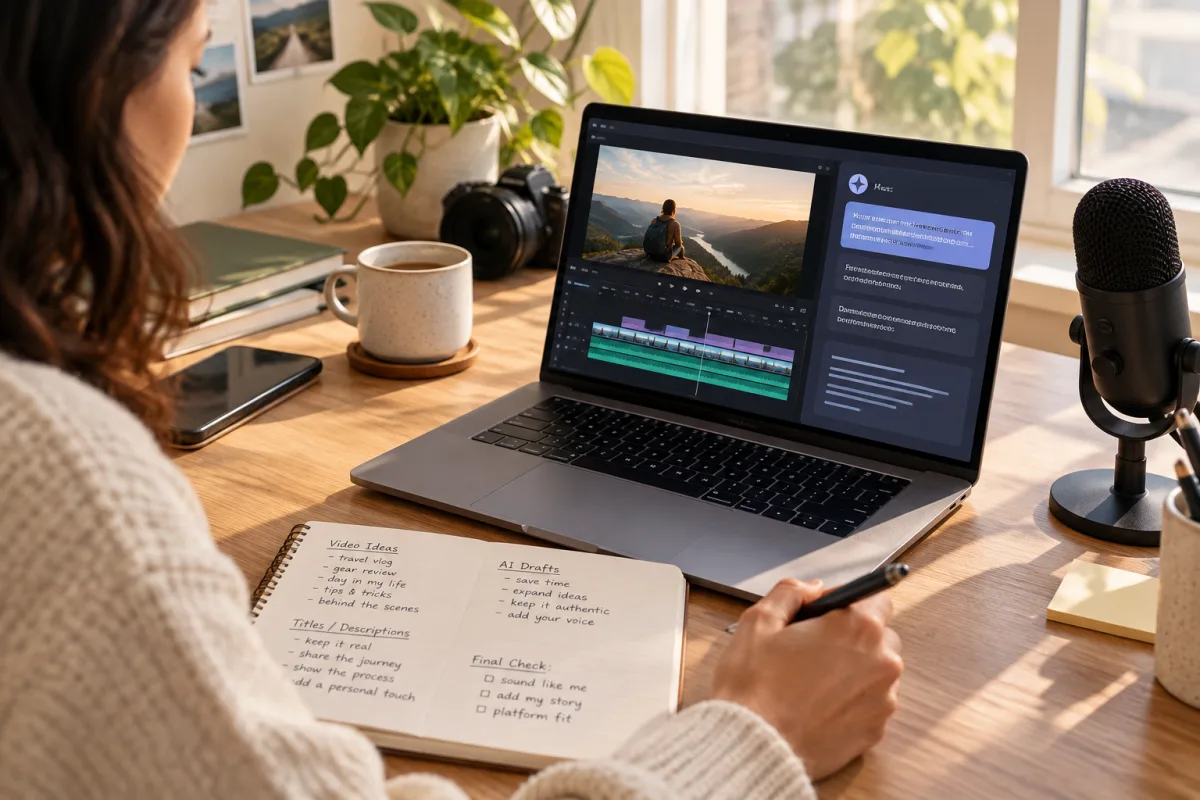
Why Publishing Consistency is the Real Bottleneck for Creators
Publishing consistently remains one of the toughest challenges for content creators and small teams. It's common to have solid ideas, quality video content, and enthusiasm, yet see audience growth plateau because videos aren’t published regularly. This issue typically stems not from a lack of creativity but from friction in the publishing workflow.
Scheduling tools exist to smooth out these rough edges, automating and organizing your publishing steps. However, choosing the right tool to address your specific bottlenecks requires first understanding exactly where your process slows down or breaks.
Understanding Your Publishing Workflow Bottleneck
Before diving into options, analyze your current publishing workflow carefully. Pinpoint the exact moments causing delays or inconsistency. Common bottlenecks include:
- Repetitive manual uploading to each platform one by one.
- Missing timely posts due to lack of reminders or automation.
- Struggling with video format specifications across platforms.
- Managing multiple social accounts or team members without centralized control.
By identifying these pain points, you can focus on scheduling tools that tackle your real issues rather than adding unnecessary features or complexity.
Key Features to Look for in Content Creator Scheduling Tools
Once you understand your bottleneck, prioritize tools offering features that directly address them. Key features include:
Avoid tools that feel bloated or add complexity without solving your core bottleneck.
Platform-Specific Scheduling Considerations
Different social platforms have unique video requirements and audience expectations. Your scheduling tool should accommodate these nuances:
- TikTok and Instagram Reels: These favor short, vertical videos with trending sounds. Scheduling tools that queue and optimize for these formats help maintain consistent posting cadence and relevance.
- YouTube: Supports both long-form videos and Shorts. Scheduling tools need to handle diverse video lengths and metadata management, including titles, descriptions, and tags.
- Facebook and LinkedIn: These platforms favor longer engagement windows and more professional or community-oriented content.
- Pinterest: Video Pins require specific aspect ratios and length limits.
- Mastodon and Bluesky: These federation-friendly networks benefit from scheduling tools that respect open protocols and support cross-posting without algorithmic constraints.
Confirm that your chosen tool supports your priority platforms to reduce friction.
Balancing Automation and Editorial Control
Automation in scheduling saves time but can make posts feel generic or mistimed if overused. Select tools that allow you to:
- Review and tweak posts before they go live.
- Customize captions and hashtags per platform to maintain authenticity.
- Set flexible schedules with manual overrides for timely adjustments.
Striking this balance preserves your unique voice and prevents the pitfalls of robotic posting.
Practical Steps to Select Your Scheduling Tool
- Map your current workflow. Document all manual steps and where delays occur.
- List must-have features. Base this on your bottlenecks and platform needs.
- Test tools with free trials or demos. Prioritize ease of use, reliability, and workflow fit.
- Check integrations. Make sure the tool works smoothly with your video editors, analytics, and team communication apps.
- Consider federation-friendly features. If you publish to Mastodon or Bluesky, pick tools that support decentralized networks.
Keep detailed notes and choose the tool that best streamlines your publishing process.
Cross-Posting and Federation: Expanding Reach Without Extra Work
Cross-posting helps you publish once and share content across multiple platforms, saving time and boosting consistency. Scheduling tools that support federation-aware posting let you engage audiences on decentralized networks like Mastodon and Bluesky.
Consider these tradeoffs:
- Some platforms, like TikTok, reward native posting for maximum reach, so cross-posted content may get less engagement.
- Federation platforms favor open text-based posts but also support video. A good scheduler manages these content types gracefully.
A well-planned cross-posting strategy paired with a capable scheduler can efficiently grow your audience.
VidSyndicate’s Role in Solving Scheduling Bottlenecks
VidSyndicate supports comprehensive scheduling and publishing workflows across major social platforms including Facebook, Instagram, TikTok, LinkedIn, Pinterest, and YouTube, plus federation-friendly networks Mastodon and Bluesky. This wide coverage lets creators manage video publishing from a single interface.
Its multi-destination publishing and federation-aware features reduce the friction of multiple uploads and format adjustments. VidSyndicate is ideal for creators seeking consistent publishing without juggling multiple tools or platforms.
Final Recommendations
Choosing the right content creator scheduling tool hinges on understanding your publishing bottlenecks and platform priorities. Look for tools that:
- Support your primary social networks, including federation platforms if relevant.
- Offer video format adaptation to meet platform specs.
- Balance automation with editorial flexibility.
- Enable batch scheduling and cross-posting.
Hands-on testing and workflow mapping will guide you to a sustainable solution that improves publishing consistency.
For creators wanting to unify video scheduling efficiently, VidSyndicate is a valuable option. To learn more about building a streamlined, video-first workflow, explore our [Upload Video Once, Post Everywhere](/upload-video-once-post-everywhere) guide for practical tips.
Integrating Scheduling Tools with Video Editing Software
One major time sink for creators is moving content back and forth between video editing software and publishing platforms. Scheduling tools that integrate directly with popular video editors can significantly streamline this process. For example, some tools connect with Adobe Premiere Pro, Final Cut Pro, or DaVinci Resolve, allowing creators to export video files along with metadata directly into the scheduler.
This integration reduces manual steps such as exporting videos to your computer, renaming files, and uploading them separately to each platform. Instead, you can prepare your video, add captions or descriptions, and schedule posts from within a single environment. This also minimizes the risk of uploading the wrong version or forgetting to update metadata.
When evaluating scheduling tools, look for compatibility with the editing software you use. Some tools offer plugins or APIs that facilitate smooth handoffs. Even if your editor isn’t directly supported, check if the scheduler can watch designated folders for new video files, enabling semi-automated workflows that save time and reduce errors during publishing.
Additionally, integration with editing software sometimes extends to analytics. Scheduling tools that sync performance data back into your editing platform or project management system help close the feedback loop. This enables data-informed editing decisions for future content, improving audience engagement and consistency in the long run. Prioritize tools that support your creative ecosystem to create a seamless video production and publishing pipeline.
Managing Team Collaboration and Workflow Transparency
For creators working in small teams, collaboration and workflow transparency are critical to maintaining consistency. Scheduling tools that offer multi-user access with role-based permissions help coordinate tasks without confusion or overlap. For example, editors, social media managers, and content strategists can each have appropriate levels of control.
Clear visibility into scheduled posts, drafts, and publishing calendars enables teams to plan content around campaigns, events, or trending topics effectively. Some tools provide shared dashboards or kanban boards where team members can track video status from editing through scheduling to live posting. This transparency reduces bottlenecks caused by miscommunication or duplicated effort.
Additionally, built-in comment threads or approval workflows allow team members to provide feedback directly on scheduled posts before publishing. This helps maintain quality control and ensures messaging aligns with brand voice and strategy. Notifications and reminders also keep everyone informed of upcoming deadlines and publishing windows, preventing missed posts.
When choosing a scheduling tool for teams, assess the collaboration features carefully. Consider how easily it integrates with your existing communication tools like Slack or Microsoft Teams. The right tool should enable smooth handoffs between roles and foster accountability, ultimately improving publishing consistency and content quality. Avoid tools with limited user management or poor transparency, as these can create more friction than they solve.
Optimizing Posting Times with Data-Driven Scheduling
Publishing consistently is important, but timing your posts to reach the audience when they are most active amplifies impact. Scheduling tools that incorporate analytics to recommend optimal posting times can help creators maximize engagement without guesswork or trial and error. These insights are often based on historical performance data across platforms and audience-specific behavior patterns.
Some advanced tools analyze your prior videos’ reach, views, and interaction rates by time of day and day of week, then suggest posting windows that yield the best results. Others may integrate with platform APIs to access real-time audience activity metrics. Using these recommendations, you can build a publishing calendar that aligns with when your followers are most likely to watch and engage.
Keep in mind that optimal posting times may vary by platform and content type. For instance, TikTok audiences might peak during evening hours, while LinkedIn engagement tends to be higher during weekday business hours. Scheduling tools that allow you to set different posting times per platform and video category provide the flexibility needed for nuanced strategies.
Moreover, some tools support A/B testing where you publish similar videos at different times to compare performance directly. Over time, this data-driven approach refines your schedule, improving consistency not just in volume but in audience impact. When evaluating scheduling tools, prioritize those with robust analytics and actionable timing recommendations to elevate your publishing strategy.
Leveraging AI to Enhance Scheduling Efficiency
Artificial intelligence (AI) is increasingly integrated into content creator scheduling tools, offering features that can significantly reduce manual effort and improve publishing consistency. AI-powered tools can analyze your content, audience behavior, and platform trends to suggest optimal posting times, hashtags, and even video edits tailored for each social network. This reduces guesswork and helps maintain a steady publishing rhythm aligned with audience preferences.
One practical application of AI in scheduling tools is automated caption generation. Instead of manually writing captions or descriptions for each video, AI can generate contextually relevant text based on the video content, saving time and ensuring posts remain engaging. Some tools also offer language translation features, enabling creators to reach broader, multilingual audiences without extra workload.
AI-driven content tagging and categorization further streamline workflows. By automatically identifying themes, topics, or keywords in videos, scheduling tools can organize your content library efficiently and assist with cross-posting strategies. This ensures that videos are matched to the right platform and audience segment, improving chances of engagement while reducing manual sorting.
While AI can enhance efficiency, creators should still review AI-generated content to maintain authenticity and brand voice. Look for scheduling tools that allow easy editing of AI suggestions before publishing. This balance between automation and human oversight helps avoid generic or off-brand posts while benefiting from AI-driven productivity gains. When evaluating scheduling tools, consider the sophistication and flexibility of their AI features as a factor in addressing your publishing consistency challenges.
Ensuring Compliance and Copyright Management in Scheduling Workflows
Content creators must navigate platform-specific rules and copyright considerations when scheduling videos. Scheduling tools that help manage compliance reduce risks of content removal, account penalties, or legal issues that can disrupt publishing consistency. Check that your chosen tool provides clear guidance or checks related to platform policies and copyright.
Some scheduling tools integrate automated copyright detection to flag potential issues before publishing. For example, if your video includes copyrighted music or third-party content, the tool can alert you or suggest royalty-free alternatives. This proactive approach prevents last-minute takedowns or muted videos, which can waste effort and harm audience trust.
Additionally, tools that maintain detailed publishing logs and metadata records support transparency and accountability. This is particularly important for teams or creators working with licensed content or brand partnerships where usage rights must be documented. Having a central repository of published content and associated rights information simplifies audits and dispute resolution.
Finally, scheduling tools with built-in content approval workflows help enforce compliance internally. By requiring review and sign-off from legal or compliance teams before posts go live, creators can reduce errors and ensure all published videos meet platform standards and copyright laws. Prioritize tools offering compliance features relevant to your content type and distribution strategy to safeguard your publishing consistency.
Using Scheduling Tools to Support Content Repurposing Strategies
Content repurposing is a smart approach to maximize the value of video assets by adapting and distributing them across multiple formats and platforms. Scheduling tools that facilitate repurposing workflows help maintain consistent publishing without creating entirely new content for each post, saving time and effort for creators and small teams alike.
Look for scheduling tools that allow you to store and tag original videos, then create multiple scheduled posts with different edits or metadata tailored to each platform. For example, a long-form YouTube video can be trimmed into shorter clips optimized for TikTok or Instagram Reels, with unique captions and hashtags scheduled accordingly. This organized approach prevents content duplication and keeps your publishing calendar full.
Some advanced schedulers offer built-in video editing or trimming features, allowing quick repurposing within the same platform. Others integrate with third-party editing apps to streamline exporting various versions for scheduling. These capabilities reduce the friction of managing multiple content variants and help creators maintain a steady output across channels.
Repurposing also supports cross-posting strategies by enabling creators to reuse content in platform-appropriate formats, increasing reach while minimizing workload. Scheduling tools that track performance across repurposed posts provide insights into which formats and edits resonate best, informing future content decisions and improving publishing consistency over time.
How this connects to VidSyndicate
VidSyndicate offers a straightforward way to schedule and publish video content across key platforms including Facebook, Instagram, TikTok, and federation-friendly networks like Mastodon. Its multi-destination publishing capabilities can help you fix bottlenecks in your workflow. To learn more about creating a unified video scheduling approach, check out our guide on Upload Video Once, Post Everywhere. Useful next reads are Upload Video Once, Post Everywhere and YouTube Scheduler.