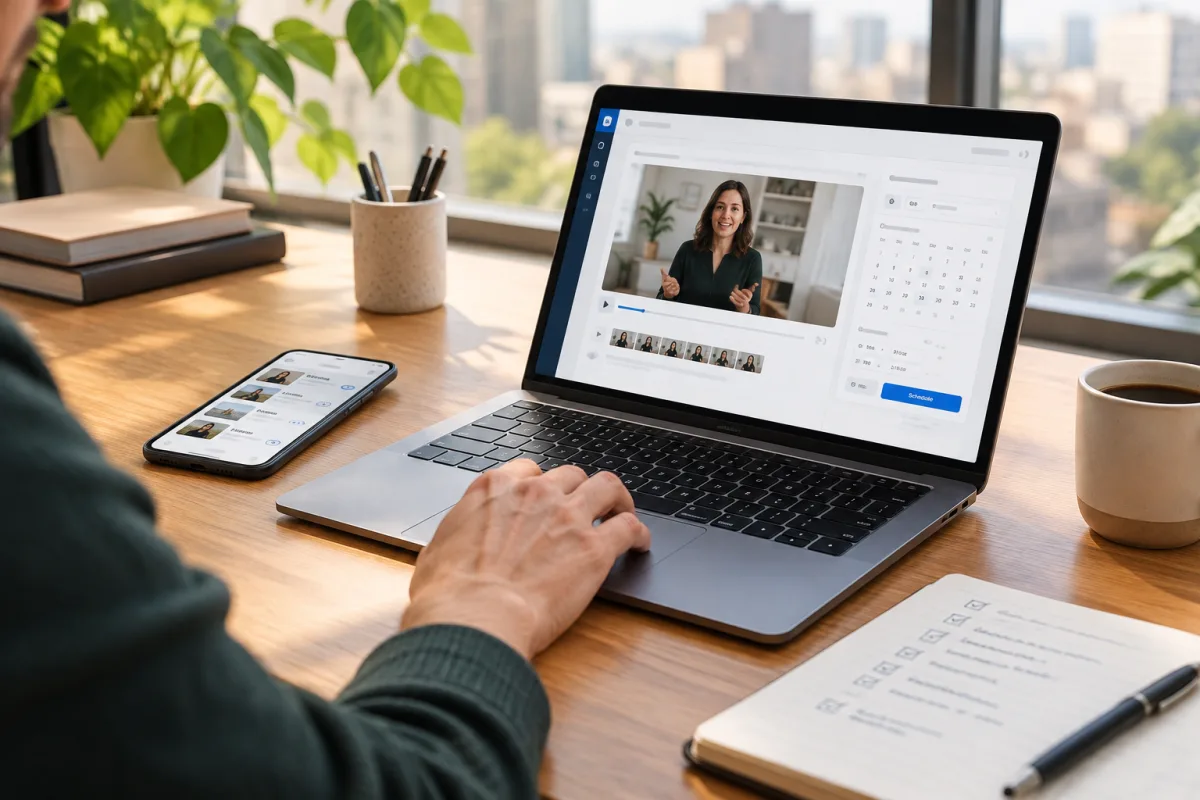
Understanding the Challenges of LinkedIn Video Scheduling for B2B
LinkedIn is a vital platform for B2B creators looking to connect with a professional audience and establish thought leadership. However, scheduling videos on LinkedIn comes with unique challenges due to the platform’s limited native scheduling features for video content.
Many B2B creators find themselves manually uploading videos every time they want to post, which can be time-consuming and prone to inconsistency. This manual approach creates workflow bottlenecks, especially when trying to maintain a regular posting schedule.
To overcome these obstacles, it’s important to understand how LinkedIn’s current video scheduling capabilities fit within your broader content strategy and identify ways to optimize your workflow to avoid repetitive one-off tasks.
Why Scheduling LinkedIn Videos Matters for B2B Creators
Consistency in publishing video content is key to growing and nurturing a B2B audience on LinkedIn. Videos tend to generate higher engagement, making them an essential format for communicating complex ideas, sharing case studies, or showcasing expertise.
Without scheduling, B2B creators risk posting irregularly, which can dilute brand presence and reduce audience trust. Scheduling allows you to batch content production, plan campaigns strategically, and ensure a steady stream of video posts.
Moreover, scheduling frees up time for community engagement and strategic activities, preventing burnout and improving overall marketing efficiency.
LinkedIn’s Native Scheduling Limitations and Workarounds
While LinkedIn has introduced some scheduling features, they remain limited for video posts. Currently, video scheduling is mainly available for LinkedIn Pages but not for personal profiles, restricting its usefulness for some B2B creators.
Common workarounds include using LinkedIn Campaign Manager to schedule sponsored video posts, employing third-party social media tools that support LinkedIn video scheduling, or relying on calendar reminders to manually post videos at optimal times.
Each workaround has tradeoffs. LinkedIn Campaign Manager involves ad spend and is less suited for organic content, while manual posting is time-consuming. Third-party tools vary in quality and platform support, so choosing the right one is crucial.
Third-Party Scheduling Tools: What to Look For
If you decide to use a third-party scheduler for LinkedIn videos, consider key features that will streamline your workflow:
- Native support for LinkedIn video posts, not just text or link updates.
- Ability to batch upload and schedule multiple videos to reduce repetitive tasks.
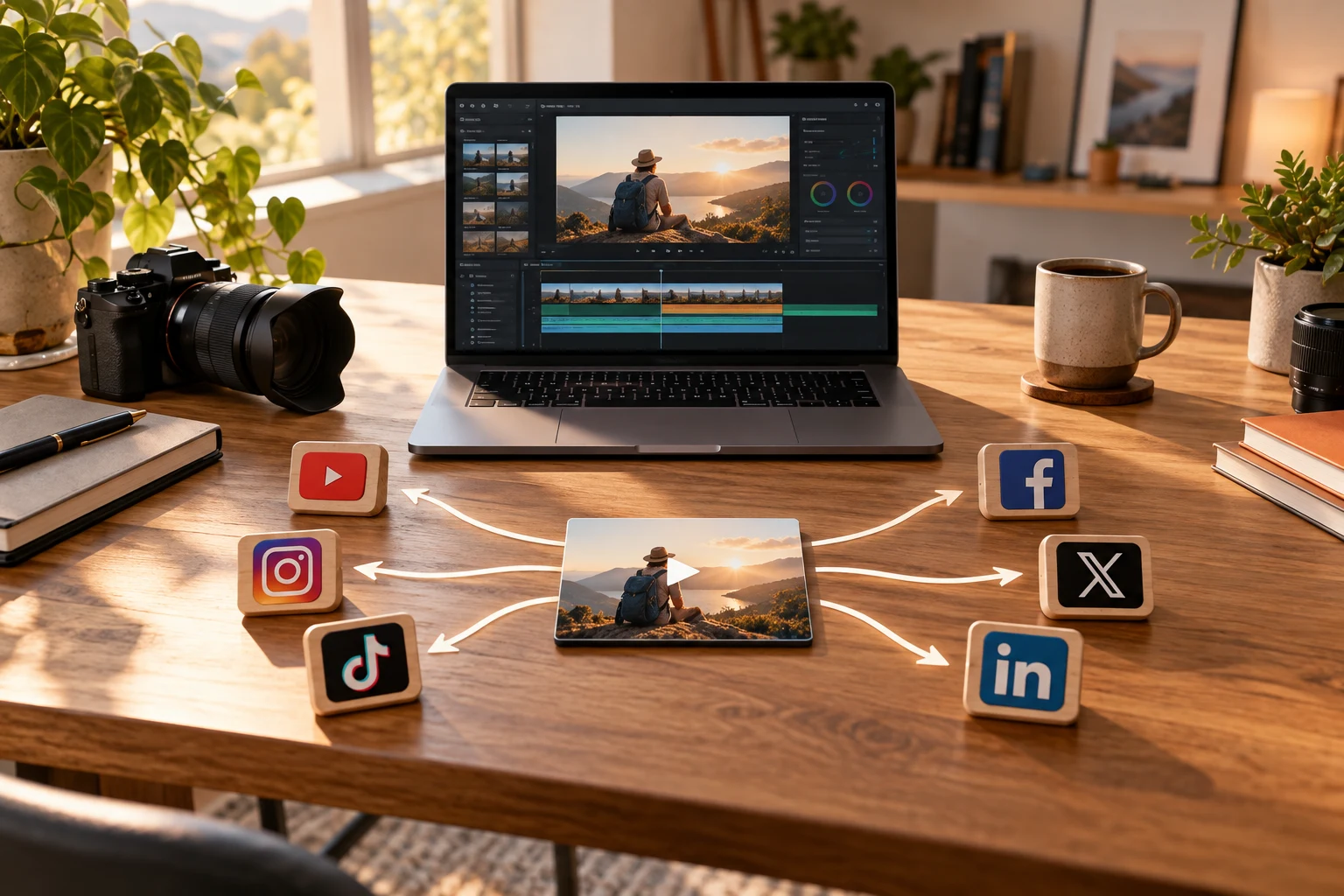
- Cross-posting capabilities to share content on Facebook, Instagram, YouTube, or federation-friendly platforms like Mastodon and Bluesky.
- User-friendly interface with reliable scheduling to minimize errors.
- Analytics features to monitor video performance and optimize posting times.
Choosing a tool that supports federation can future-proof your distribution strategy by allowing you to reach audiences beyond traditional social media.
Building a Repeatable LinkedIn Video Scheduling Workflow
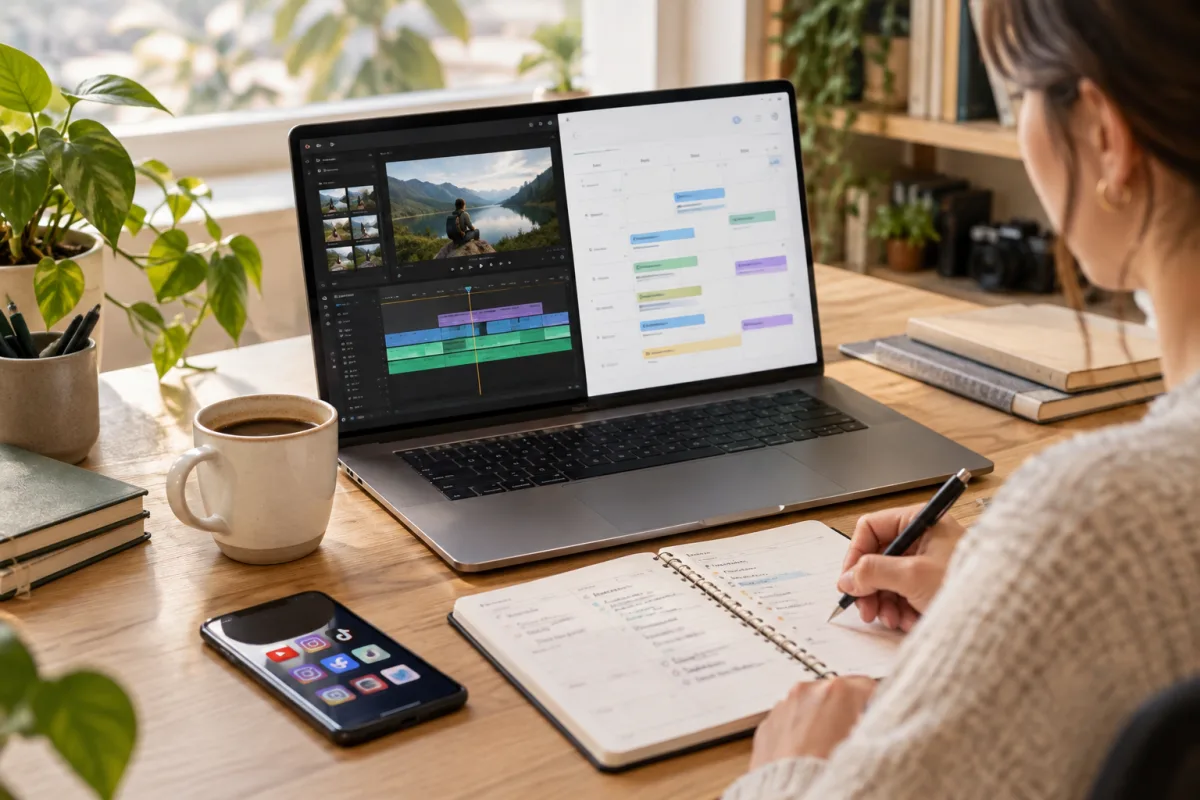
Design a systematic workflow tailored to your team and content cadence:
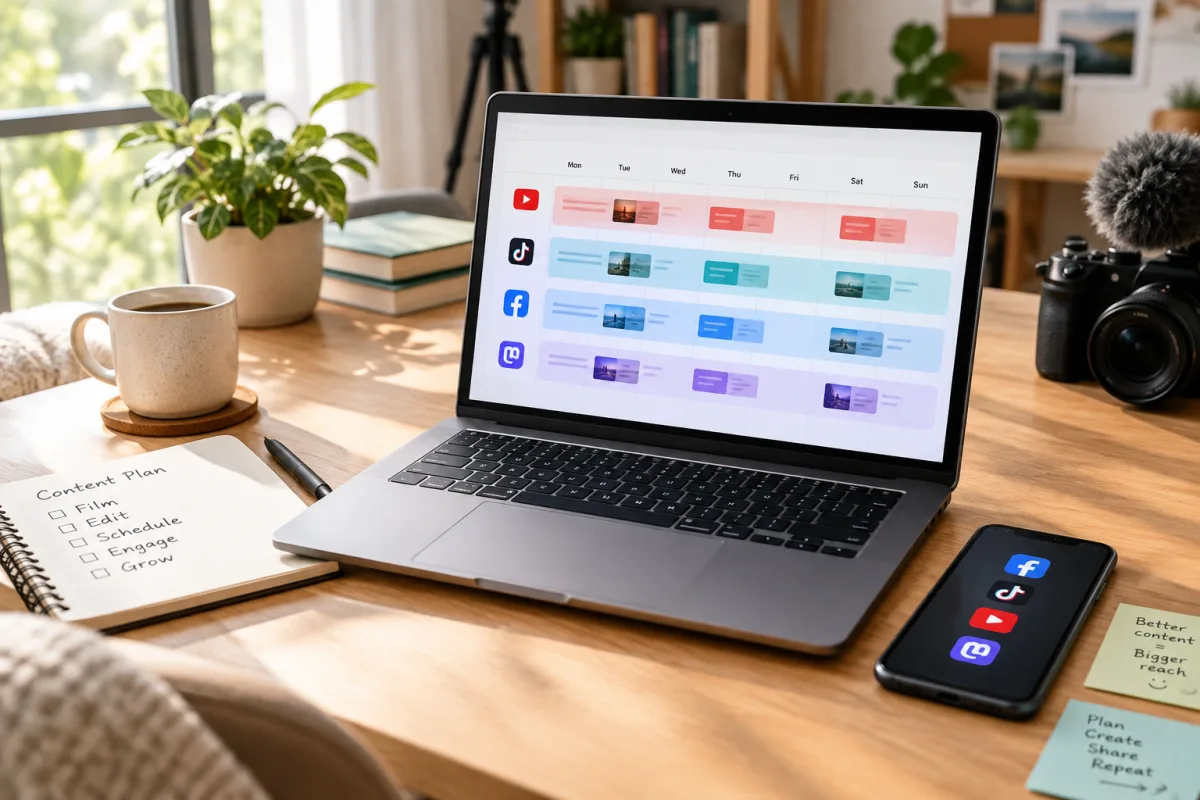
- Content Planning: Use an editorial calendar to schedule video topics aligned with your B2B goals.
- Batch Creation: Record and edit multiple videos in one session to maximize efficiency.
- Uploading: Upload videos to your scheduler or LinkedIn Page in bulk.
- Scheduling: Assign optimal publish dates and times based on audience insights.
- Monitoring & Engagement: Track performance and respond to comments promptly.
This repeatable process minimizes manual effort and supports consistent content delivery, crucial for building your professional brand on LinkedIn.
Tradeoffs: Control vs. Automation in LinkedIn Video Scheduling
Balancing control and automation is essential. Manual posting gives you flexibility to tweak content last minute but is labor-intensive. Automation ensures consistency but may reduce flexibility.
Many B2B creators adopt a hybrid approach: schedule evergreen or planned content while manually posting timely updates or reacting to trends.
Understanding your audience and content priorities will help you decide the right balance between automation and manual control to maximize efficiency without compromising authenticity.
Leveraging Federation-Friendly Platforms Alongside LinkedIn
Beyond LinkedIn, federation-friendly platforms like Mastodon and Bluesky offer additional distribution channels with less algorithmic interference and more organic reach potential.
Cross-posting your LinkedIn videos to these platforms can diversify your audience and reduce dependence on centralized social networks.
To do this effectively, your scheduler should support federation protocols or at least enable easy content sharing to these open networks. This approach strengthens your presence across both traditional and decentralized platforms, future-proofing your content strategy.
Practical Example: Using VidSyndicate to Streamline LinkedIn Video Scheduling
VidSyndicate offers a centralized scheduler supporting LinkedIn Pages along with Facebook, Instagram, TikTok, Pinterest, YouTube, and federation-friendly platforms like Mastodon and Bluesky.
With VidSyndicate, B2B creators can upload videos once, schedule posts efficiently, and automate cross-posting to maximize reach with minimal manual effort.
The platform’s analytics help refine posting schedules and content strategies, making it easier to maintain consistent LinkedIn video publishing without the manual hassle.
Integrating VidSyndicate into your workflow can significantly reduce repetitive tasks and free up time to focus on content quality and audience engagement.
Optimizing Video Formats and Lengths for LinkedIn Engagement
Understanding the ideal video format and length for LinkedIn is crucial to maximizing engagement and message retention among B2B audiences. LinkedIn favors native video uploads in MP4 format with a maximum file size of 5GB and recommended aspect ratios of 1:1 (square) or 16:9 (landscape). Choosing the right format ensures your video displays properly across desktop and mobile devices.
Length also matters. LinkedIn videos that are between 30 seconds and 2 minutes tend to perform best for B2B content. Shorter videos capture attention quickly and respect busy professionals’ limited time, while longer videos risk losing viewers unless they offer highly valuable or educational content. Aim to deliver your core message succinctly within the first 10-15 seconds.
Consider creating multiple versions of your videos tailored to different lengths and formats. For example, a 1-minute highlight reel can tease a longer, more detailed 5-minute video posted on YouTube or your website. This multi-format approach supports cross-platform promotion and satisfies diverse audience preferences without extra recording sessions.
When scheduling videos, label and organize these versions clearly within your content calendar and scheduler. This helps avoid confusion and ensures the right video format is posted to LinkedIn at the optimal time for your audience. Consistency in format also builds brand recognition and professionalism over time. --- See our guide on [Upload Video Once, Post Everywhere](/upload-video-once-post-everywhere) for tips on repurposing video content efficiently.
Using LinkedIn Analytics to Fine-Tune Your Video Posting Schedule
LinkedIn’s native analytics provide valuable insights into how your video content performs and when your audience is most active. Regularly reviewing these metrics helps you optimize your posting schedule to maximize reach and engagement. Key metrics to monitor include video views, watch time, engagement rate (likes, comments, shares), and audience demographics.
Start by identifying the days and times that yield the highest video engagement. LinkedIn B2B audiences often engage more during midweek (Tuesday to Thursday) and during business hours, but your specific audience may have unique patterns. Use these insights to adjust your scheduled post times within your workflow or scheduling tool for maximum impact.
Additionally, analyze which video topics and formats resonate best with your audience. If certain types of videos consistently drive higher engagement or longer watch times, prioritize similar content in your editorial calendar. Scheduling more of your top-performing content reduces guesswork and improves ROI on content creation efforts. Don’t overlook audience feedback in comments and messages. Scheduling tools that integrate engagement monitoring enable you to respond quickly, building relationships and signaling to LinkedIn’s algorithm that your content is valuable.
Finally, consider experimenting with A/B testing different posting times or video lengths using your scheduler’s features. Track performance differences to refine your strategy over time. Combining data-driven scheduling with consistent content quality is key to long-term LinkedIn video success for B2B creators. --- Learn more about analytics and scheduling integration in our [Video Social Media Scheduler](/social-media-video-scheduler) guide.
Integrating LinkedIn Video Scheduling with Your Broader Marketing Funnel
LinkedIn video scheduling should not exist in isolation but rather be a coordinated part of your overall marketing funnel. Videos can serve multiple roles, from brand awareness to lead generation and customer education, depending on your objectives and where the viewer is in the funnel. Scheduling videos strategically supports these goals efficiently.
Start by mapping your video content types to stages of the funnel. Top-of-funnel videos might include thought leadership pieces or industry insights designed to attract new prospects. Mid-funnel content could be product demos or case studies that nurture interest. Bottom-funnel videos might focus on customer testimonials or detailed tutorials to aid decision-making.
Once you know your funnel stages, schedule your videos to create a logical progression for your audience. Use LinkedIn’s native features or third-party schedulers to sequence posts that guide viewers from awareness to conversion over days or weeks. This planned cadence keeps your brand top of mind without overwhelming your audience or your team with last-minute posting.
Integrating LinkedIn video posting with email marketing, webinars, or sales outreach amplifies effectiveness. For example, schedule LinkedIn videos to coincide with email campaigns or event invitations to reinforce messaging. Cross-functional coordination ensures your video content supports the broader customer journey and maximizes resource efficiency.
Tracking how LinkedIn videos influence funnel metrics like lead quality or conversion rates is essential. Use UTM parameters on video links and analytics integrations to connect your scheduling efforts with CRM and marketing automation platforms. This data-driven approach helps you optimize video scheduling within the context of overall marketing performance.
Maximizing Engagement with Interactive LinkedIn Video Features
LinkedIn offers several interactive features that can enhance your video posts and boost engagement among B2B audiences. Utilizing elements like polls, call-to-action buttons, and tagged collaborators can transform passive viewers into active participants. These features encourage viewers to interact with your content, increasing its visibility through LinkedIn’s algorithm.
Start by incorporating clear, compelling calls to action (CTAs) within your video or post description. Encourage viewers to comment, share insights, or visit a landing page. LinkedIn also allows tagging of other users or companies in video posts, which can expand reach by notifying tagged parties and their networks. Thoughtful tagging of partners, clients, or subject matter experts can foster collaboration and credibility.
Polls can be paired with videos to ask questions related to the content, sparking conversation and gathering audience feedback. For example, after sharing a product demo video, include a poll asking viewers which features they find most valuable. This not only increases engagement but provides valuable data to refine your content strategy and product development.
When scheduling your videos, plan these interactive elements ahead of time. Some third-party schedulers support adding polls or tags during scheduling, while others may require manual addition post-publishing. Balancing automation with timely interaction ensures your videos remain dynamic and audience-focused, ultimately driving stronger B2B relationships.
Addressing Accessibility in LinkedIn Video Scheduling
Accessibility is a critical yet often overlooked aspect of video content strategy, especially on professional platforms like LinkedIn. Ensuring your videos are accessible broadens your audience and demonstrates inclusivity, which resonates well in B2B communities. Start by incorporating captions or subtitles, as many LinkedIn users watch videos without sound, especially in office environments.
Beyond captions, consider providing descriptive video titles and detailed descriptions that summarize content for viewers using screen readers. LinkedIn’s native video upload supports caption files (such as .srt), and many third-party scheduling tools allow you to upload these alongside your videos. This extra step ensures your content is consumable by people with hearing impairments and those in sound-off settings.
Another accessibility best practice is to use high-contrast visuals and avoid flashing or overly rapid scene changes that might trigger discomfort for some viewers. Clear, legible fonts and consistent branding also improve comprehension and viewer experience. Test your videos on different devices and with accessibility tools to identify and address potential barriers.
When building your scheduling workflow, allocate time to add and verify accessibility features. Although it adds to initial workload, accessible videos tend to perform better over time by engaging diverse professionals and complying with corporate social responsibility standards. This thoughtful approach enhances your brand reputation and supports equitable content distribution on LinkedIn.
Managing LinkedIn Video Content Rights and Compliance for B2B Creators
B2B creators often use videos that include proprietary information, client testimonials, or licensed media. Managing content rights and compliance is essential to avoid legal issues and maintain professional credibility. Before scheduling any LinkedIn video, verify that all necessary permissions are secured for music, images, and participant consents.
Create a content rights checklist as part of your video scheduling workflow. This should include confirmation of usage rights for background music, stock footage, logos, and any third-party materials. If your videos feature clients or employees, ensure you have signed releases granting permission to share their likenesses on LinkedIn and other platforms.
LinkedIn has clear policies regarding intellectual property and content standards. Violations can result in video removal or account restrictions. Scheduling tools with compliance features can help flag potential issues before posting. For example, some platforms scan for copyright violations or allow you to attach documentation for audit purposes.
Integrate compliance checks early in your batch creation or uploading stages to prevent delays in publishing. Keeping thorough records of rights and permissions protects your business and supports transparent, ethical marketing practices. This diligence is especially important in regulated industries such as finance, healthcare, or legal services where content scrutiny is higher.
How this connects to VidSyndicate
VidSyndicate supports streamlined video scheduling workflows across LinkedIn and other key platforms, helping B2B creators automate posting without losing control. Explore how VidSyndicate can simplify your multi-platform strategies by visiting our Social Media Video Scheduler guide. Useful next reads are Video Social Media Scheduler and Upload Video Once, Post Everywhere.